
Assistants—The AI Revolution isn’t Coming… It’s Here.
Every single job I’ve recruited for in the past six months has included some variation of this line in the job description: “Must understand AI and know how to automate tasks.”
Not “should”.
Not “nice to have.”
“Must.”
For one job I placed last month in Dallas, it was the differentiating factor — the client only wanted someone who confidently knew how to use AI, and incredible candidates missed out because they weren’t there yet.
Whether they come right out and say it or wrap it in softer language like “digitally fluent,” or “tech-forward,” the expectation is crystal clear: executives want assistants who can use AI — not just know about it in theory, not just say they’ve played with ChatGPT once. Real tools. Real workflows. Real time savings.
But here’s the most important part: they’re not looking to replace you with AI.
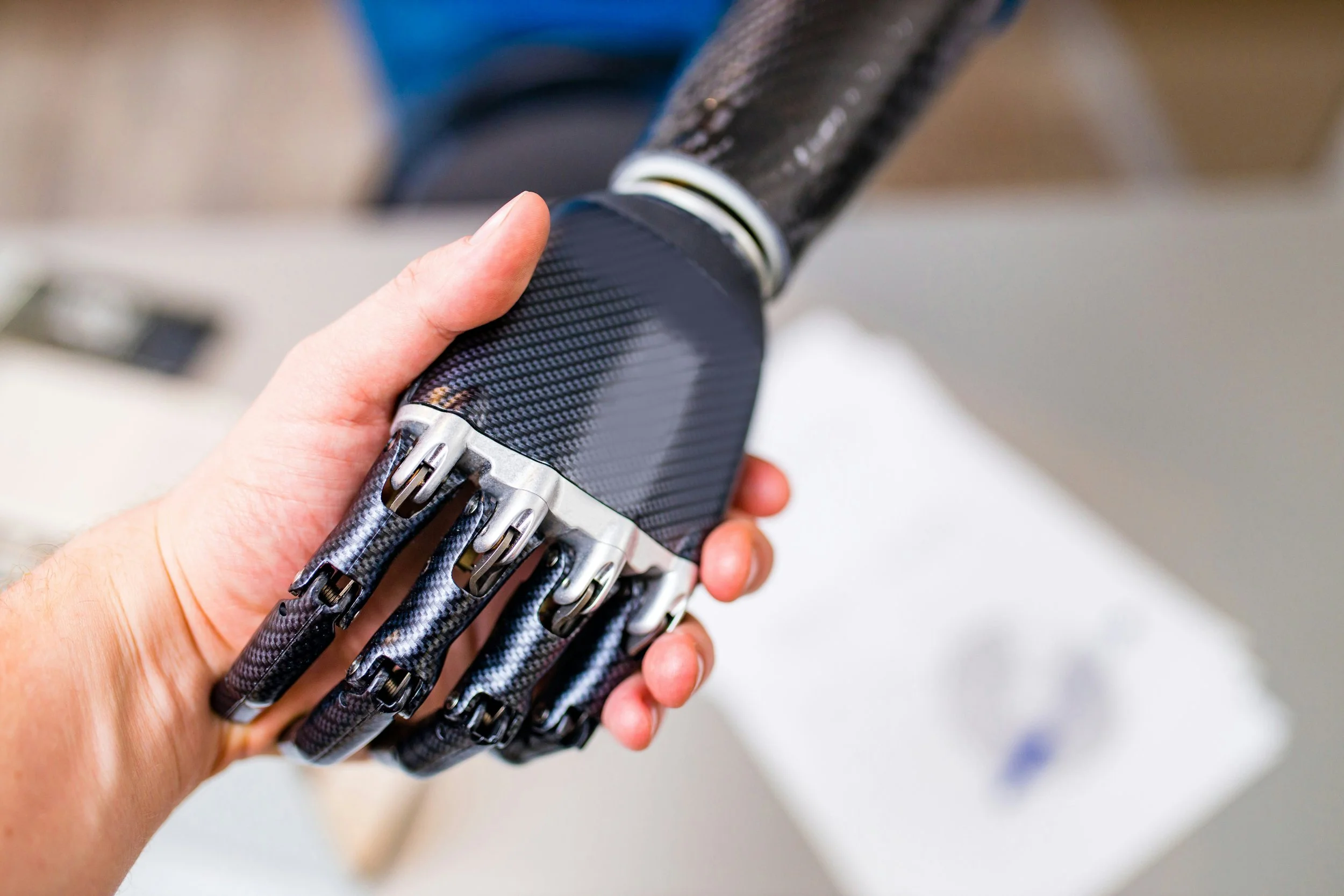
They want you + AI.
They want both. They want you to be even more strategic, even more efficient, and even more valuable — because you’ve got the world’s smartest (and cheapest) intern working quietly in your corner.
So if you’ve been sitting on the sidelines waiting to see how this all shakes out, let me lovingly say: it’s time to jump in. The water is warm. And assistants who learn to swim in it are going to be unstoppable.
But first: know the rules before you play.
Before we jump into a few tips you can steal straight from my AI course, let’s get something out of the way: be smart with how you use AI.
Check your company’s policies. If you’re in a Microsoft 365 environment, you might already have access to Copilot — which means you’ve got tools built right in. But if you’re using something like ChatGPT, Perplexity, or Claude, you need to be extra careful with what you put in there. No client names, no HIPAA-protected information, no sensitive financials. Mask details. Change identifiers. Be smart.
AI isn’t a magical truth machine — it’s a prediction machine. It doesn’t know anything; it just generates based on patterns. You’re still the human in the lead. Always review and revise before you share anything AI helps you create.
Now that we’ve got that handled, let’s look at three real examples of how you can start using AI today — pulled directly from my new course, The AI-Powered Assistant.
1. Turn Ten People’s Notes Into One Clear Email
Ever tried to decipher ten different emails with ten different ideas and pull it together into something your executive can actually use? Or had four email chains with four different teams about the exact same project?
Me too.
But now, AI can take that mess and give you something clean, clear, and ready to go.
Here’s how you do it:
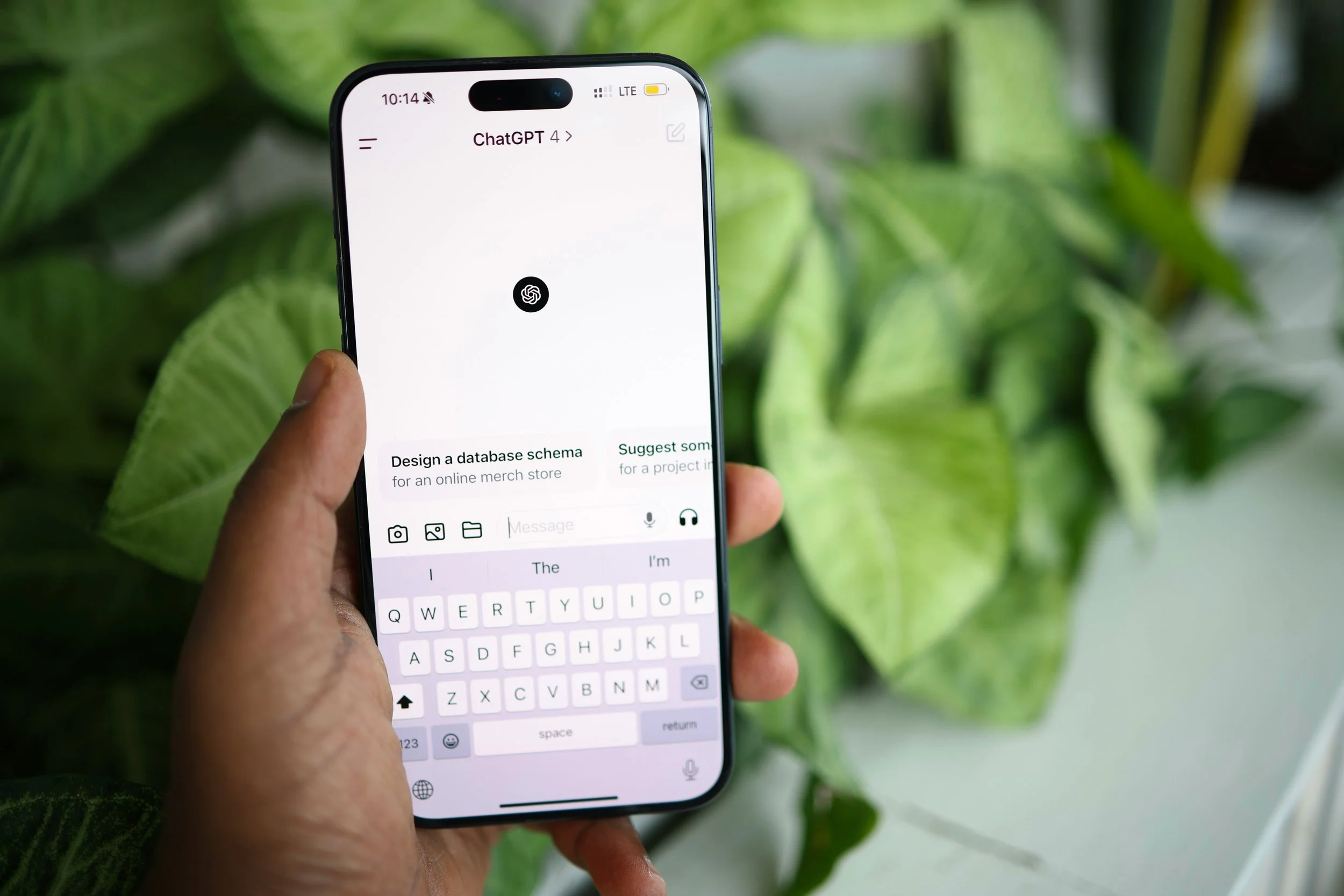
Open ChatGPT (or your tool of choice).
Paste the messy, chaotic, half-written, long-winded, or contradictory notes into the chat.
Then, add something like: “Turn this into a concise email update for our team. Make it clear, professional, and no longer than 200 words. Emphasize the timeline and project owners.”
AI will take all the mess and give you a structured summary you can tweak, personalize, and send. (Don’t forget that part.) What used to take 45 minutes of painful sorting on multiple screens now takes 5.
Time saved. Brainpower preserved. Team impressed. To-do item crossed off. (Cue Dopamine….)
2. Plan Smarter Airport Pickups
Let’s say you’ve got multiple clients, execs, and team members flying into town at different times for a big event. You need to arrange car service for all of them — but also make sure your best sales rep is riding with one of the top clients, and the CEO isn’t stuck waiting for 30 minutes because her flight landed earlier than everyone else’s.
Oh, the tetris migraine.
But wait…we have an answer now! Input a list of arrival times, names, and desired pairings (i.e., make sure every car has a sales rep, a client, and an executive), and ask AI to:
Suggest the most efficient pickup schedule.
Pair people according to your needs, and in multiple versions.
Suggest airport activities if there are short wait times.
Build in time buffers for traffic or delays.
Hot Dog! In seconds, you’ve got a smart draft of your car service plan — and all you had to do was put the data in. And WE ALWAYS HAVE DATA!
Event planning is one of the most stressful parts of the EA role, but with AI, you don’t have to start from scratch anymore. You get to be the editor, not the author.
3. Build an SOP From Scratch (Not really.)
Maybe your team is onboarding a new vendor. Or you’re setting up a new process for internal requests. You need to write a Standard Operating Procedure (SOP), but you’re staring at a blank page and wondering where to even begin. This is where AI is a game-changer.
In ChatGPT, type something like: “I need to create a Standard Operating Procedure for how our sales team submits creative requests to the design department. The process includes filling out a Google form, getting approval from their individual managers, and submitting via Asana. I will add in all relevant links, but highlight those areas for me. Can you help me write a step-by-step SOP that outlines this clearly?”
In less than a minute, you have a draft. You review it, customize it to your team’s quirks, and boom — you’ve got a polished document ready to share.
No more reinventing the wheel. No more pushing it off until “later” because it’s intimidating. Just fast, clean output you can refine and roll with.
And That’s Just the Beginning…
These three examples are just a sample of what’s waiting in The AI-Powered Assistant course. There are 30+ (TBD) more demos, prompts, and real-world workflows just like these — covering communication, event planning, meeting prep, content creation, conflict management, personal growth plans, and so much more.
This isn’t about learning the theory of AI or the history of machine learning. It’s about knowing what to type, when to use it, and how to save time, energy, and stress every day.
Honestly? I wish I had this when I was working with Simon Sinek. It would’ve saved me hours each week — and made me look even better doing it. I’m not exaggerating when I say I’m slightly jealous of those of you who get to use this stuff now.
If you’re an assistant who wants to stay relevant, marketable, and confident in 2026 and beyond — you need these tools. And I built this course with you in mind.
Because this revolution isn’t coming — it’s already here. And you? You’re about to run it.